Wallquill
On Google Play as “Wallquill: AMOLED Wallpapers”
True black wallpapers, built for OLED screens.
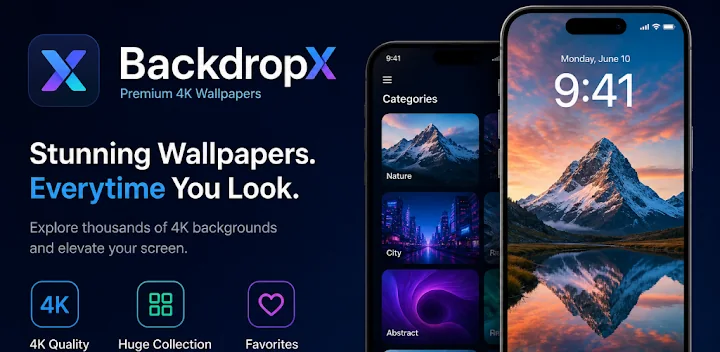
An AMOLED wallpaper app for Android. Every background is selected for pure #000000 black depth, so it gives deep contrast on OLED displays and can help a little with power use. Browse by category, save favourites and set in one tap.
- Platform
- Android
- Category
- Personalisation
- Price
- Free
- Rating
- 5.0 ★
01/Overview
What Wallquill does
On an AMOLED or OLED panel a black pixel is a pixel that is switched off. Wallquill is built entirely around that fact: every wallpaper in the library is selected for true #000000 depth, which means deeper contrast, less eye strain at night and a small reduction in screen power use on OLED screens.
The engineering challenge is a large image library that still feels instant. Aggressive caching, offline access to saved wallpapers and a lightweight browse layer keep it fast on mid-range devices, where a wallpaper app usually falls apart.
Pure #000000
Curated for true black depth, so black pixels switch off on OLED screens, which can help battery life a little.
Offline favourites
Saved wallpapers stay available with no connection, backed by an optimised image cache.
One-tap apply
Set as home screen or lock screen instantly, with no account needed.
02/Capabilities
Features
Wallpaper categories
- True black AMOLED wallpapers — pure #000000
- Minimalist, distraction-free phone backgrounds
- Dark aesthetic and moody sets
- Nature — forests, mountains, oceans and sunsets
- Anime, abstract digital art, space and neon
Built for OLED
- Black pixels switch off on OLED screens, which can help battery life a little
- Colours read harder against true black
- Reduced eye strain, especially at night
- Works on any Android phone; best on AMOLED/OLED screens such as Samsung Galaxy, Pixel, OnePlus and Xiaomi
Everyday use
- One-tap set as home screen or lock screen
- Browse by category to find a style fast
- Save favourites and access them offline
- Fast and lightweight — free to use with no account needed; optional Pro removes ads
03/Screens
Screenshots


04/Stack
Built with
 React Native
 Redux
 Firebase
 Android
Download
Get Wallquill on Google Play
Wallquill is published by Bibek Adhikari and is available on Android devices worldwide.


